Install XCIPTV Player · on your Android
Follow the steps
- 1
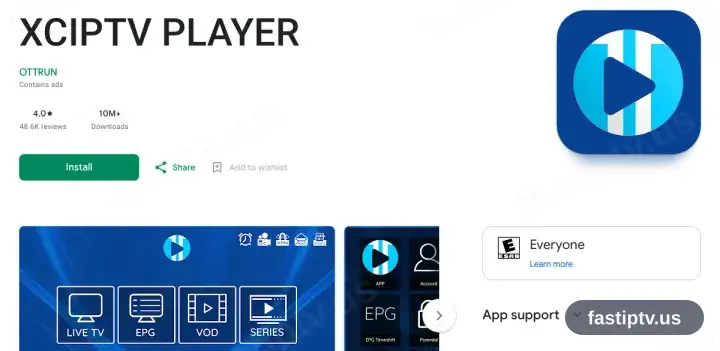
Install XCIPTV Player from Google Play
Open Google Play on the phone or tablet, search XCIPTV Player — published by OTTRUN — and install it.
- 2
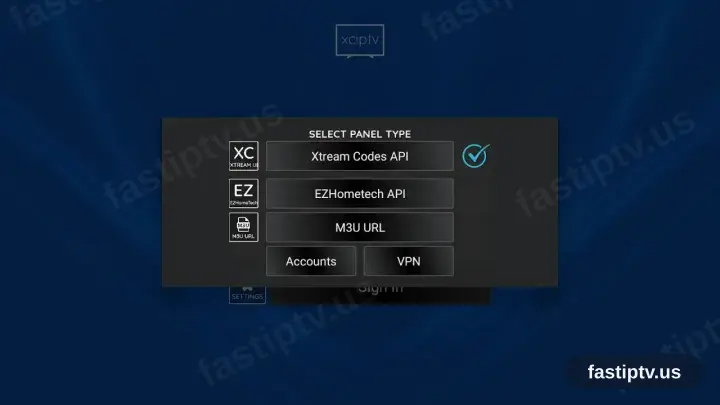
Choose Xtream Codes API
Open the app. When it asks for the panel type, choose Xtream Codes API.
- 3
Enter your details and sign in
Supply the server URL, username and password from your account on our website, then select Sign In.
Type the server URL exactly as your account shows it — with http:// at the start and the port number if there is one.
- 4
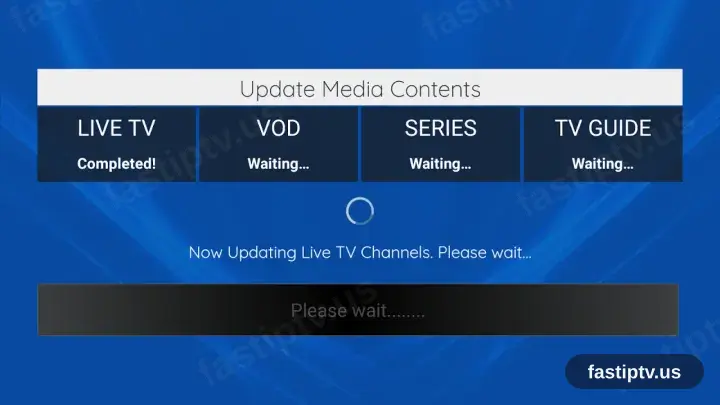
Let it load the lists
XCIPTV Player downloads the channels, films, series and TV guide. The first load takes about a minute.
- 5
Playback time
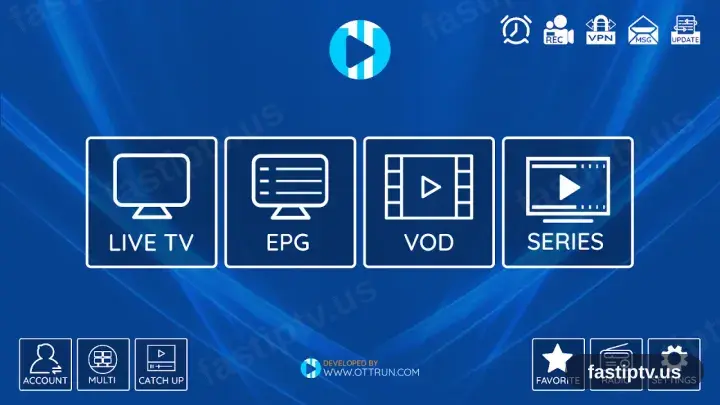
The home screen opens on Live TV, EPG, VOD and Series. Select Live TV to begin playback. The app is free and shows ads.
Installing XCIPTV Player on Android: what is different
On an Android phone or tablet, XCIPTV Player installs from Google Play in the usual way — no rooting and no developer settings.
If you install XCIPTV Player from an APK instead, Android asks once for permission to install from that source. Grant it to the browser or file manager doing the install, not system-wide.
Playing over mobile data works, but a live HD channel uses roughly 1–2 GB per hour — worth checking your plan before a full match.
Your Fast IPTV login details (username, password & server URL, M3U link or MAG portal URL) are in your account on our website as soon as your subscription is active. Can't find them? Contact support and we'll help.
Get your subscription
Get Started